 +
 Orbit for Perplexity
Perplexity research that turns into work.
Perplexity finds the answer. Connect Orbit once and what it finds lands in your company brain and CRM, ready for your agents to act on.
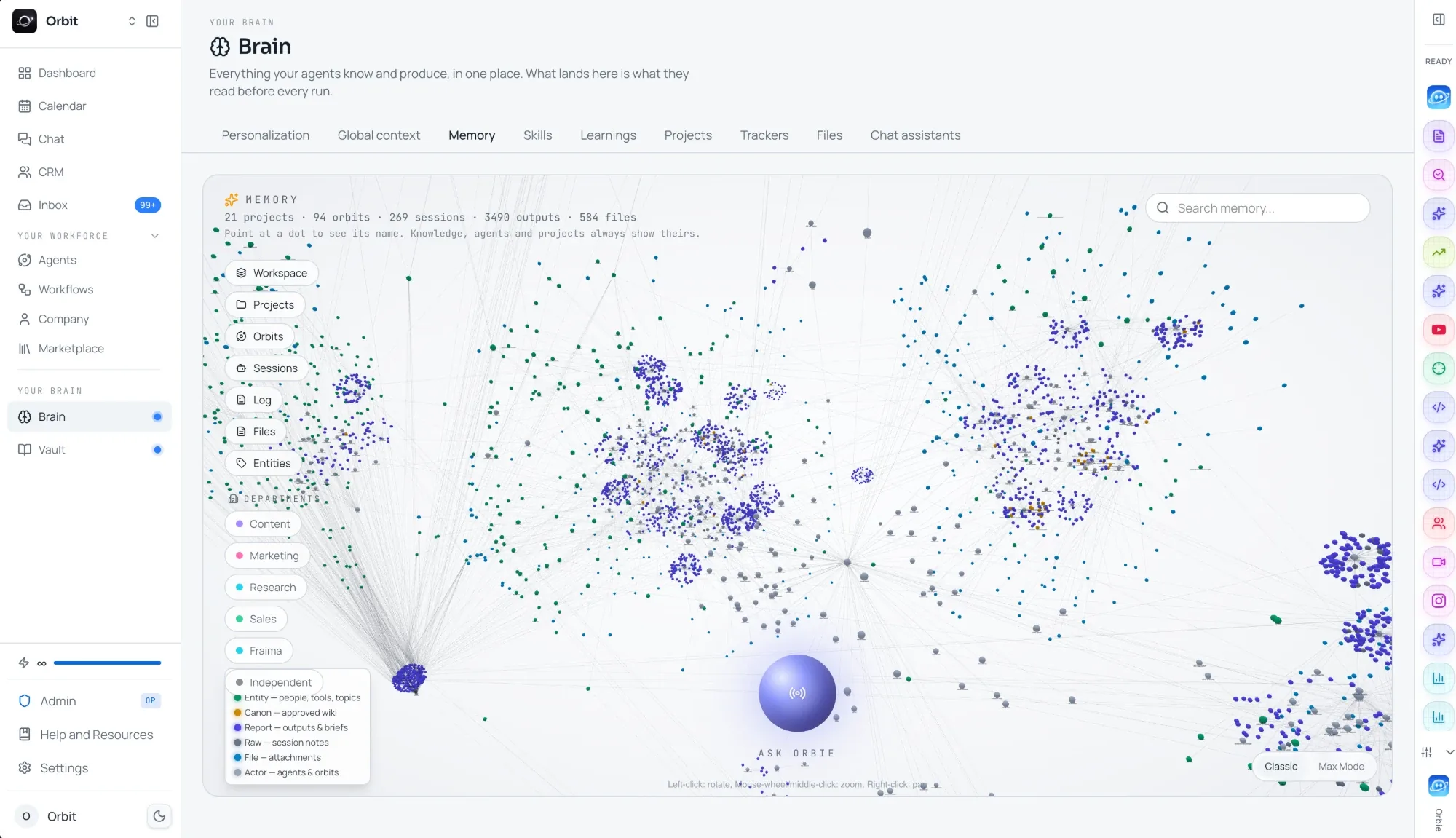
Your company brain in Orbit. Perplexity reads it and adds to it from any chat.
Great answers that go nowhere.
Perplexity on its own is a research tool. These are the walls people hit when the research should become work.
The competitor brief from last month is somewhere in your history, not where the team works.
ChatGPT and Claude never see what Perplexity found, so you paste it across by hand.
A list of companies still has to be enriched, put in a CRM and contacted by someone.
Without one place for findings, the same questions get researched twice.
The difference is what Perplexity can reach.
One real kind of request, asked in a fresh chat. On the left Perplexity on its own, on the right with Orbit connected.
Perplexity on its ownHere are clinics that appear to be hiring, with sources. I cannot add them to a CRM, but you can copy this table into your sheet.
+ Perplexity with Orbit- Searched job posts and clinic sites
- Found the owner of each clinic with lead data
- Added 20 people to your CRM in Orbit
Done. 20 clinics are in your CRM with the owner's name, email and the job post as the reason to reach out.
An example with made-up names. The tools Perplexity calls are the ones Orbit gives it.
Perplexity on its own, and with Orbit.
Orbit does not replace Perplexity. It gives it your business, your tools and agents that keep working.
Connected in three steps.
No code and nothing to install. Once it is on, Orbit is there in every Perplexity chat.
- 01Copy your Orbit link
Sign up free, open Connect in Orbit and copy your workspace link.
- 02Open Connectors in Perplexity
In Perplexity, open Settings, then Connectors.
- 03Add a custom MCP server
Add a custom MCP server and paste your Orbit link. Perplexity finds the Orbit tools by itself.
 ChatGPT
 Claude
 Gemini
 Manus
 Codex
Questions, answered.
It can save findings to your company brain, add people and companies to your CRM, start your agents and check what they did, and use the tools you connected to Orbit.
Into your company brain in Orbit, where ChatGPT, Claude, Codex, your agents and your team can all find them.
No. Orbit only sees what Perplexity sends it through the Orbit tools, such as a note it saves or a task it starts. Your chat history stays in Perplexity.
No. Agents run in Orbit, when you ask or on a schedule, with your laptop closed. Perplexity is one more place to talk to them.
You can start free, with 100 credits at signup to try your first agents.

Put your first
agent to work.
Enter your website and get your first leads,
or connect the AI you already use with one MCP link.
Prefer your own AI? Connect it with one MCP link