 +
 Orbit for Gemini
Gemini sees your Google apps. Orbit gives it your business.
Gemini already reads your Gmail and Docs. Connect Orbit once and it also knows your company, your pipeline and your agents, from any chat.
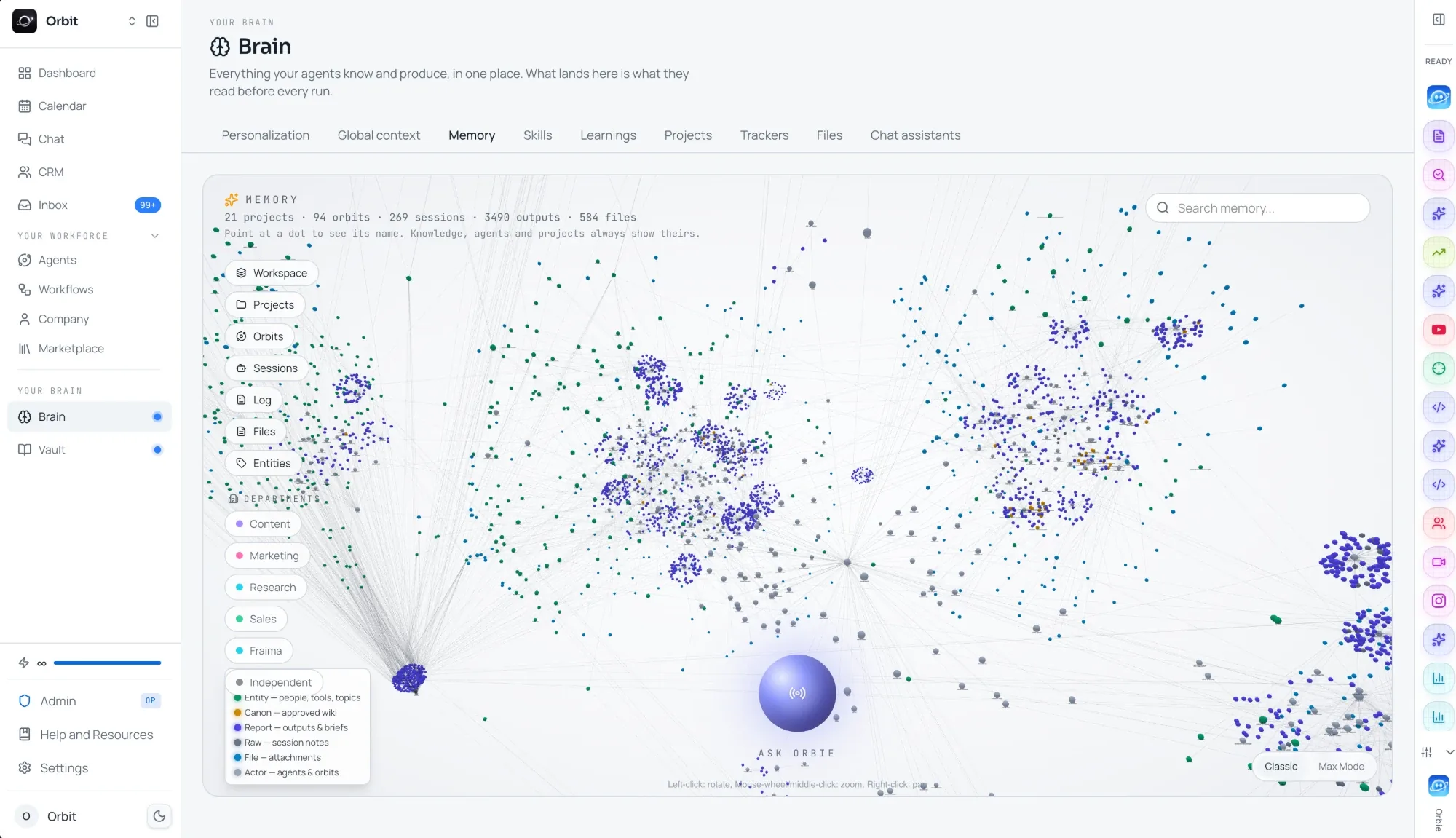
Your company brain in Orbit. Gemini reads it and adds to it from any chat.
Your inbox is not your business.
Gemini on its own sees what is in your Google account. These are the walls people hit when they run work through it.
Your offer, pricing, positioning and what you agreed last week are not in one Doc it can read.
ChatGPT, Claude and the rest of your team start from zero every time.
It cannot tell which leads are hot, who replied or what each deal is waiting on.
Follow-ups and outreach wait until you come back and ask again.
The difference is what Gemini can reach.
One real kind of request, asked in a fresh chat. On the left Gemini on its own, on the right with Orbit connected.
Gemini on its ownI can search your Gmail for recent threads. Which emails count as leads, and where do you keep track of them?
+ Gemini with Orbit- Read last week's leads from your CRM in Orbit
- Checked replies across email and LinkedIn
- Found 6 with no reply yet
Six leads from last week have not replied, starting with Northwind Clinics and Harbor Dental. Want me to draft a short follow-up for each in your voice?
An example with made-up names. The tools Gemini calls are the ones Orbit gives it.
Gemini on its own, and with Orbit.
Orbit does not replace Gemini. It gives it your business, your tools and agents that keep working.
Connected in three steps.
No code and nothing to install. Once it is on, Orbit is there in every Gemini chat.
- 01Copy your Orbit link
Sign up free, open Connect in Orbit and copy your workspace link.
- 02Open Connected Apps in Gemini
In the Gemini app, open Settings, then Connected Apps, then Custom apps.
- 03Add a custom app
Choose Add a custom app and paste your Orbit link. Gemini finds the Orbit tools by itself.
Using the Gemini CLI? Add the same link to its MCP settings.
 ChatGPT
 Claude
 Perplexity
 Manus
 Codex
Questions, answered.
It can search and save to your company brain, look up people and deals in your CRM, start your agents and check what they did, and use the tools you connected to Orbit, like LinkedIn and email.
No. Gemini keeps everything it can already do in your Google account. Orbit adds your company brain, your CRM and your agents next to it.
Yes. What Gemini saves to Orbit lands in your company brain, so the next chat can read it, and so can ChatGPT, Claude, Codex and your team.
No. Orbit only sees what Gemini sends it through the Orbit tools, such as a note it saves or a task it starts. Your chat history stays in Gemini.
No. Agents run in Orbit, when you ask or on a schedule, with your laptop closed. Gemini is one more place to talk to them.
You can start free, with 100 credits at signup to try your first agents.

Put your first
agent to work.
Enter your website and get your first leads,
or connect the AI you already use with one MCP link.
Prefer your own AI? Connect it with one MCP link